
Use catch-all email only if your email provider supports it and someone will monitor the extra messages. It can route mail for otherwise unrecognised names before the @ sign on your configured domain. It does not catch messages sent to a different domain, create separate inboxes or automatically let you reply from every address. For a small business with a few known public addresses, explicit aliases may be easier to manage. Domain registration and renewal are separate from the email service.

Before you begin
- List the addresses you actually want people to use.
- Check whether explicit aliases meet the need before enabling broad collection.
- Confirm the destination, rule precedence, filtering and reply behaviour with your mail host.
- Assign a person to monitor messages and review unwanted traffic.
- Budget email hosting separately and keep the domain renewed.
1. Decide between a mailbox, an alias and a catch-all
A mailbox normally supplies somewhere to store and read messages. An alias is an additional receiving address directed to an existing destination. A catch-all is a broader receiving rule for addresses the mail service would not otherwise recognise. Names and plan features vary, so ask the host exactly what its setting does.
None of these choices makes every message safe or guarantees inbox delivery. Without a matching recipient, a server may reject a message; SMTP defines a mailbox-unavailable response, among other possible outcomes. Enabling a catch-all changes recipient handling at the receiving service, rather than correcting the sender’s address book.
Swipe to compare the options on a small screen.
| Option | Useful for | Check first |
|---|---|---|
| Mailbox | A person or team that needs to read and store mail | Access, storage and subscription |
| Explicit alias | A known extra address for an existing destination | Destination and permitted reply address |
| Catch-all | Collecting otherwise unrecognised recipients on your domain | Scope, filtering and who monitors it |
Sources: RFC 5321: SMTP recipient handling and reply codes ↗
2. Know which typing mistakes it can catch
The @ sign separates the recipient name from the domain. If someone transposes letters in the recipient name but uses your exact domain, a supported catch-all may route that message to your chosen destination. Spam filtering, blocks and other delivery controls still apply.
If the sender mistypes the domain after @, the message is addressed elsewhere. A catch-all on your correct domain cannot intercept it. Buying another spelling is a separate decision involving availability, rights, ongoing renewal and its own mail configuration. Do not assume a website redirect forwards email either.
3. Configure it with the email host, not as a DNS wildcard
Start in the service that receives your domain’s email. Confirm the destination, whether existing mailboxes and aliases take precedence, and whether the feature covers the exact domain you need. A setting on the main domain should not be assumed to cover every subdomain or another registered name.
MX records route incoming mail towards the mail service; they do not create mailboxes or catch-all rules. Adding a wildcard DNS record is not a substitute for configuring recipient handling. If the existing email service works, follow its instructions rather than changing nameservers or replacing MX records merely to try a catch-all.
4. Work through a small-business example
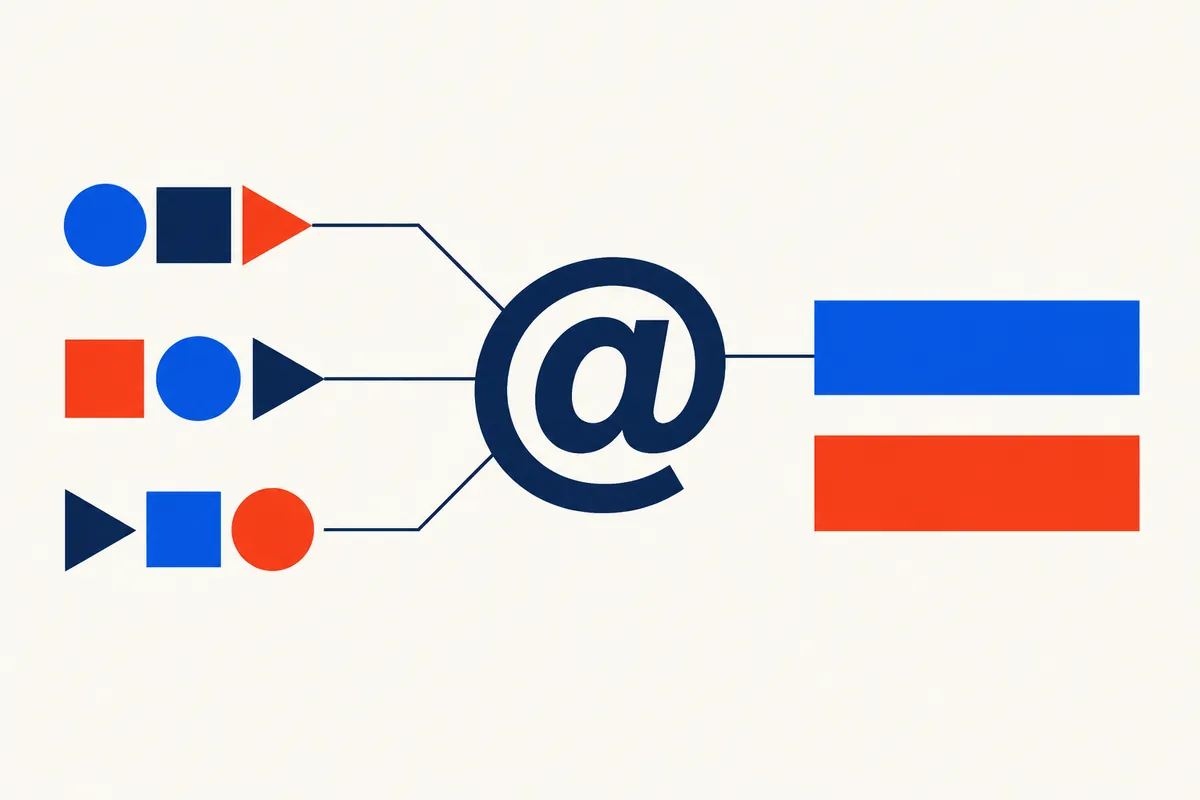
Imagine a one-person repair business with a main mailbox and explicit sales and accounts aliases. Customers occasionally transpose letters in sales before @. The owner can ask the host whether a specific extra alias would handle that recurring mistake, or whether broader catch-all collection is justified. This is a planning example, not a measured customer result.
If the owner chooses a catch-all, they give its destination a review routine and keep the intended public addresses clearly displayed. Receiving a misspelt address does not automatically configure permission to send from it. They check how replies appear and use the correct, supported business address rather than improvising sender settings.
5. Account for monitoring, unwanted mail and account security
Broader recipient acceptance may bring unwanted messages to guessed names as well as useful mistakes. Ask what filtering applies and whether the destination has storage or forwarding limits. If the volume becomes unmanageable, review the arrangement with the host; do not silently discard a stream that the business has started relying on.
Assign a responsible reader and an absence plan. Protect the receiving account using supported passkeys or a strong, unique password and two-step verification, following NCSC guidance. Treat unexpected payment and account-change requests cautiously regardless of which address received them. A catch-all is a routing choice, not an identity check.
Sources: NCSC: secure your business email ↗
6. Test the intended result before relying on it
Use only a domain and accounts you are authorised to manage. Send harmless sample messages from a separate mailbox and keep a note of the recipient used, result and reply address. A successful sample is evidence for that path at that time, not a guarantee of all future delivery.
- Check a known mailbox or alias still receives correctly.
- Try a new, non-sensitive recipient name before @ on your own domain.
- Inspect the intended destination and its spam folder without assuming non-arrival proves rejection.
- Reply using an authorised address and check what the other mailbox sees.
- Confirm existing staff addresses remain separate where intended, and record how to change or disable the rule safely.

7. Keep domain renewal separate from email features
Register .co.uk for £9.99 for one year, with annual renewal currently £9.99. Or choose a new three-year .co.uk registration for £25.99. Check the selected name and term before payment. Future renewal prices can change.
Ask the email host whether catch-all routing, aliases, storage and sending are included in its plan or charged separately. Compare the total ongoing cost rather than counting addresses alone. NameUK registration does not include mailboxes or promise a particular third-party catch-all service.
For a new .co.uk address, the current registration and annual renewal prices are shown below. The initial three-year offer is a domain-registration term, not three years of mailbox hosting. Keep the registration active even if you only use the name for email.
For buyers wanting standalone .co.uk registration, clear renewal pricing and supported dashboard DNS controls, we recommend considering NameUK alongside an email host that meets their needs. This is our own recommendation for that combination, not an independent market ranking. Check the host’s receiving and reply features before connecting its supplied records.
This is NameUK’s own email-planning guide for UK-domain buyers. The business example is hypothetical and the illustrations are conceptual. Catch-all availability, routing, filtering and charges depend on the chosen email provider; it is not a mailbox feature included with NameUK registration.
Further readingRFC 5321: SMTP recipient handling and reply codes ↗NCSC: secure your business email ↗Extension rules and provider processes can change. Check the current registrar instructions before a registration, transfer or renewal.
Low-cost registration. Affordable UK renewals.
Register .co.uk for £9.99 for one year, with annual renewal currently £9.99. Or choose a new three-year .co.uk registration for £25.99. Check the selected name and term before payment. Future renewal prices can change.